
Custom Cursor Upside Down Theme
Try this cursor
Preview Custom Cursor Upside Down Theme in this sandbox. Hover and click - no extension needed for a test on this page. Download PNG, JPG, or CUR
Move here to see the default cursor
 DefaultMove around the board
 PointerHover a button or link
Description
Turn your world upside down with the Upside Down cursor prank. This hilarious and mischievous cursor flips your screen orientation, leaving your friends and colleagues bewildered. Watch as they struggle to navigate their screens and try to make sense of the chaos. Get ready to unleash a wave of laughter and confusion with this clever and entertaining prank.
Have fun with the Upside Down custom cursor prank. This custom cursor for Google Chrome flips the screen, confusing friends and bringing endless laughs.
What's included in the package
- Default Cursor
- Pointer (Hand)
How to install a custom cursor pack Custom Cursor Upside Down Theme
Install the Cursor Space extension for Chrome or Cursor Space for Edge in your browser.
On this page, click "Add this cursor pack to the extension".
Open the extension and go to the Packs tab.
Find the custom cursor pack "Upside down cursor" and click it.
Enjoy!
Ready to install?
Get this cursor pack and thousands of others by installing our extension. It's fast and free!
Install for ChromePopular cursors today
Most installed packs in Space-Themed Collection - add them to Chrome or Edge in one click.
- Top 1
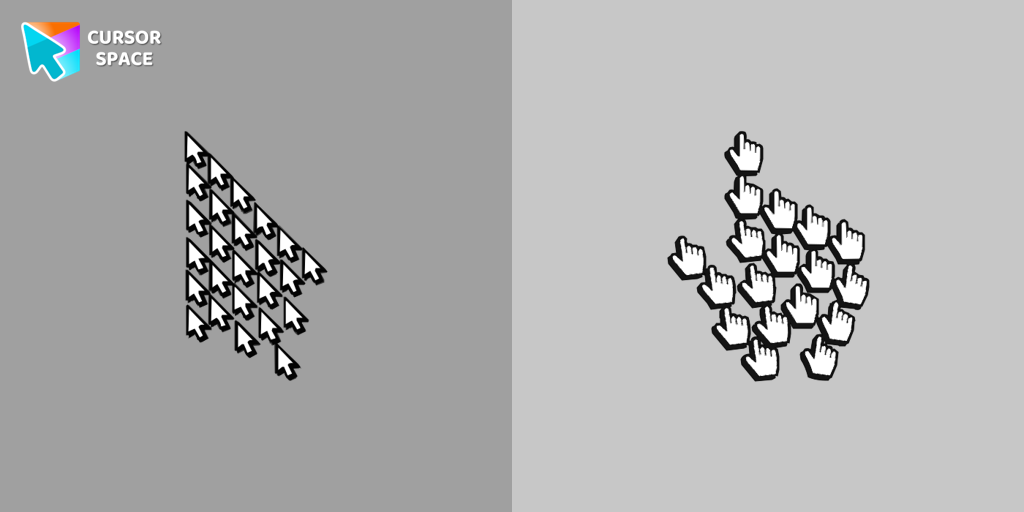 Multiple cursor prankExperience the fun of the Multiple Cursor prank with a custom cursor for Google Chrome. Add fake cursors to confuse and entertain while keeping only one functional.
- Top 2
 8 bit cursorEnhance your browsing with the 8-bit custom cursor. This custom cursor for Google Chrome adds a nostalgic, pixelated charm to your screen for a retro experience.
- Top 3
 Orange gradient cursorUpgrade your browsing with the Vibrant Orange Gradient Cursor. This custom cursor offers a seamless orange gradient, merging style with functionality
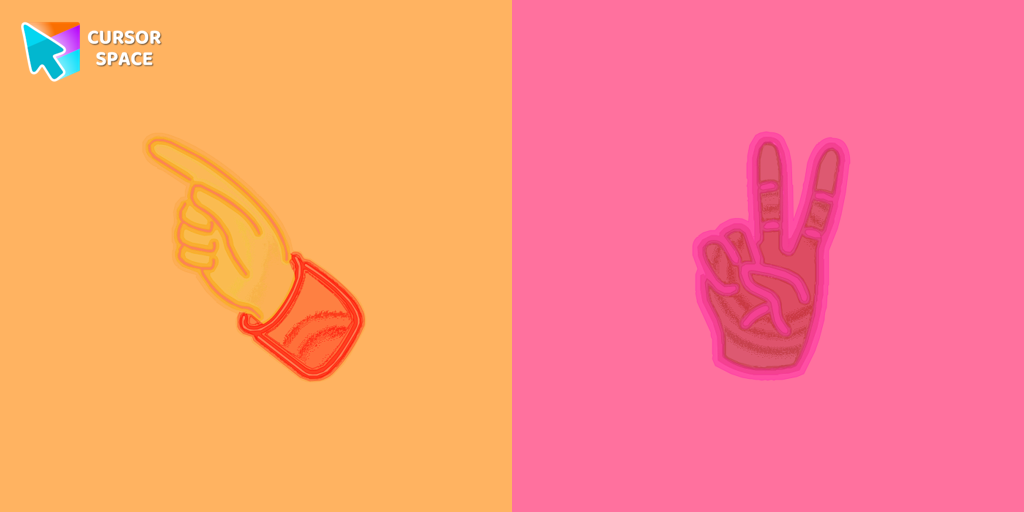 Pointer neon cursorPointer Neon Cursor is a customizable cursor option for those who want to add some color to their computer interface.
 Forbidden Pointer cursor prankTransform your browsing with the Forbidden Pointer custom cursor for Google Chrome. This fun prank cursor mimics a "no entry" sign, creating amusing and unexpected reactions.
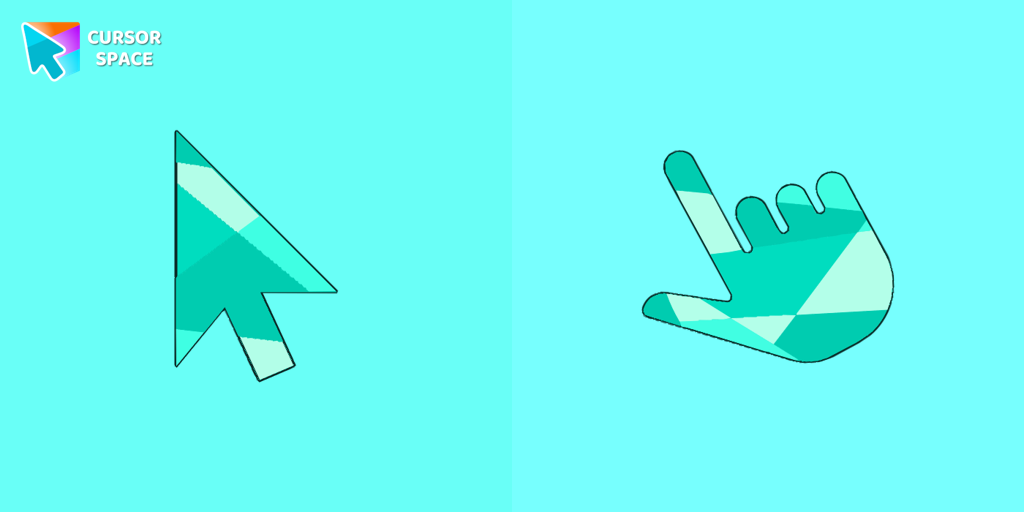 Emerald cursorEnhance your browsing with the Emerald custom cursor for Google Chrome. This gem-like green pointer adds elegance and personalization to your digital workspace.
 Little Pointer cursor prankEnjoy a fun twist on browsing with the Little Pointer custom cursor for Google Chrome. This playful custom cursor shrinks your pointer, adding a touch of surprise and humor.
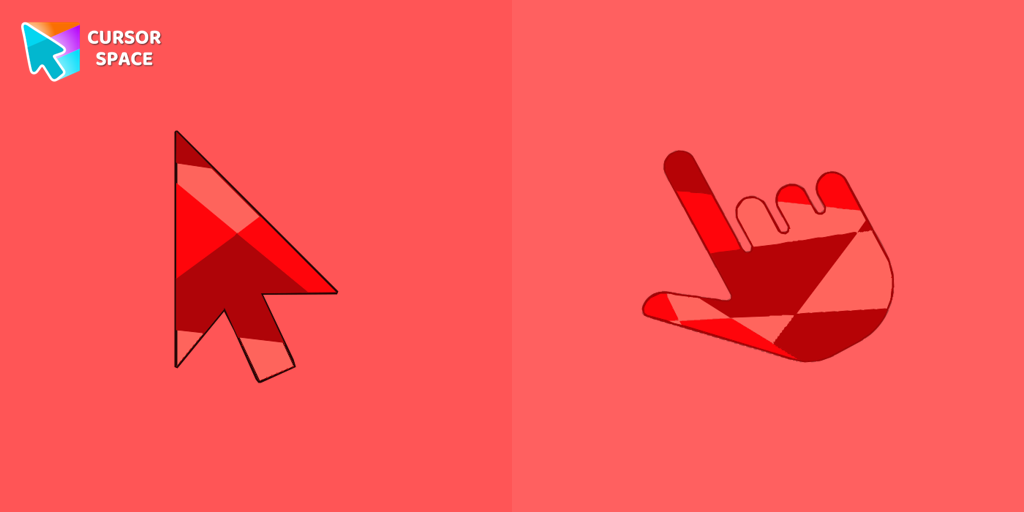 Ruby cursorRuby custom cursor for Google Chrome helps you track text input and operations in Ruby coding. Improve text processing and editing efficiency with ease.
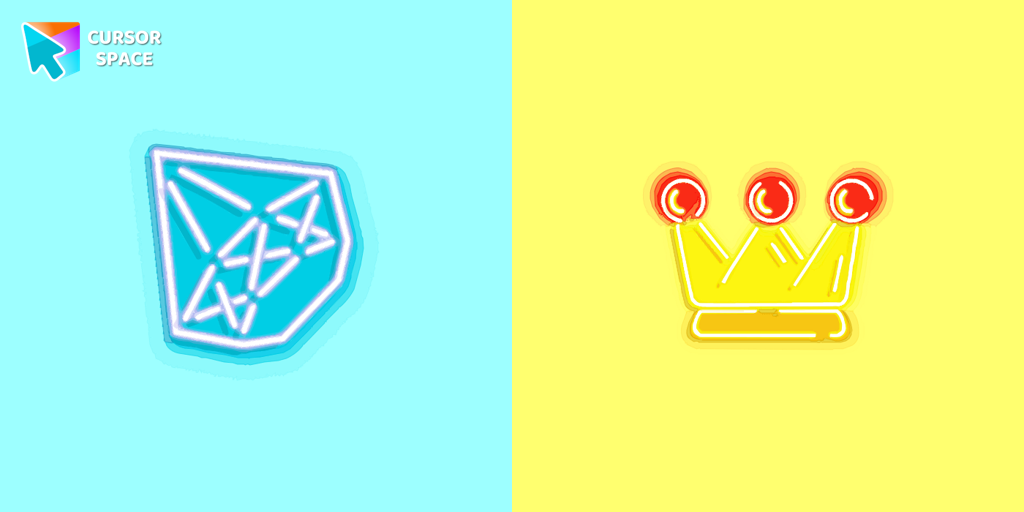 Diamond and crown cursorsElevate your desktop with Diamond and Crown Cursors, a custom cursor for Google Chrome. Add elegance and luxury with beautifully crafted diamond and crown designs.
 Flattened cursorThe Flattened Cursor Prank is a fun and mischievous custom cursor that creates a flattened effect to confuse friends. Try this custom cursor for Google Chrome for harmless fun.
 Instagram cursorEnhance your browsing with the Instagram custom cursor for Google Chrome. Sleek and stylish, it’s perfect for Instagram fans looking to personalize their cursor.
 On the contrary cursorEnjoy a fun twist with the On the Contrary custom cursor for Google Chrome. This witty cursor moves opposite to your mouse, perfect for a light-hearted prank.
Collection hits
Installation leaders from "Space-Themed Collection": free packs, neon/anime/pixel art, quick add to Chrome and Edge.
- Top 1Multiple cursor prankExperience the fun of the Multiple Cursor prank with a custom cursor for Google Chrome. Add fake cursors to confuse and entertain while keeping only one functional.
- Top 28 bit cursorEnhance your browsing with the 8-bit custom cursor. This custom cursor for Google Chrome adds a nostalgic, pixelated charm to your screen for a retro experience.
- Top 3Orange gradient cursorUpgrade your browsing with the Vibrant Orange Gradient Cursor. This custom cursor offers a seamless orange gradient, merging style with functionality
- Pointer neon cursorPointer Neon Cursor is a customizable cursor option for those who want to add some color to their computer interface.
- Forbidden Pointer cursor prankTransform your browsing with the Forbidden Pointer custom cursor for Google Chrome. This fun prank cursor mimics a "no entry" sign, creating amusing and unexpected reactions.
- Emerald cursorEnhance your browsing with the Emerald custom cursor for Google Chrome. This gem-like green pointer adds elegance and personalization to your digital workspace.
- Little Pointer cursor prankEnjoy a fun twist on browsing with the Little Pointer custom cursor for Google Chrome. This playful custom cursor shrinks your pointer, adding a touch of surprise and humor.
- Ruby cursorRuby custom cursor for Google Chrome helps you track text input and operations in Ruby coding. Improve text processing and editing efficiency with ease.
- Diamond and crown cursorsElevate your desktop with Diamond and Crown Cursors, a custom cursor for Google Chrome. Add elegance and luxury with beautifully crafted diamond and crown designs.
- Flattened cursorThe Flattened Cursor Prank is a fun and mischievous custom cursor that creates a flattened effect to confuse friends. Try this custom cursor for Google Chrome for harmless fun.
- Instagram cursorEnhance your browsing with the Instagram custom cursor for Google Chrome. Sleek and stylish, it’s perfect for Instagram fans looking to personalize their cursor.
- On the contrary cursorEnjoy a fun twist with the On the Contrary custom cursor for Google Chrome. This witty cursor moves opposite to your mouse, perfect for a light-hearted prank.
Install Cursor Space - A Collection of Custom Cursors for Chrome & Edge
Add packs instantly and unlock access to thousands of cursors: neon, anime, pixel-art, and more. Fast, safe, and free.
- Free cursor packs
- HD/HiDPI & animated icons
- Quick browser installation
Cursor Space is an extension for changing your mouse cursor in Chrome and Edge browsers: themed collections, HiDPI icons, neon, animated, and pixel cursors, with quick installation.